- Safayet
- 0 Comments
- 2864 Views
Every growing business reaches a point where spreadsheets, manual work, and disconnected tools are no longer enough. You need software to manage customers, sales, inventory, operations, employees, reporting, or internal workflows. But then comes the big question: should you build custom software or use an off-the-shelf solution?
This is where the debate of custom software vs off the shelf becomes important. Both options can help a business improve efficiency, reduce manual work, and organize operations. However, they are not built for the same purpose.
What Is Off-the-Shelf Software?
Before comparing both options, let’s start with the basic off the shelf software definition.
Off-the-shelf software means ready-made software that is already developed and available for businesses or users to buy, download, or subscribe to. It is built for a wide audience and usually solves common business problems.
In simple words, the off the shelf software meaning is software that you can start using without building it from scratch.
For example, if a small business needs accounting software, it can subscribe to QuickBooks or Xero. If a sales team needs customer management software, it can use HubSpot or Salesforce. If a team needs project management, it can use Trello, Asana, or Monday.com.
What Is Commercial Off-the-Shelf Software?
Another common term is commercial off the shelf software, also known as COTS.
The commercial off the shelf software definition is simple: it is ready-made software created by a software vendor and sold commercially to many users or businesses.
So, when someone asks, what is commercial off the shelf software, the answer is:
Commercial off-the-shelf software is a pre-built software product that businesses can purchase or subscribe to and use without custom development.
According to the National Institute of Standards and Technology, commercial off-the-shelf software is commonly used in technology and security discussions, especially when evaluating software risk, configuration, and system reliability. You can learn more from this NIST software security resource.
What Is Custom Software?
Custom software is software built specifically for one business, organization, or user group. It is designed based on your exact workflow, goals, users, features, and operational needs.
Unlike off-the-shelf software, custom software does not force your business to follow a fixed system. Instead, the system is built around the way your business already works.
Custom software can include:
CRM systems
ERP systems
SaaS platforms
Booking systems
Mobile apps
Customer portals
Inventory systems
Internal dashboards
Workflow automation tools
API-based platforms
For businesses planning to build a tailored digital product, working with a team experienced in custom software development in the USA can help turn unique workflows into a scalable software solution.
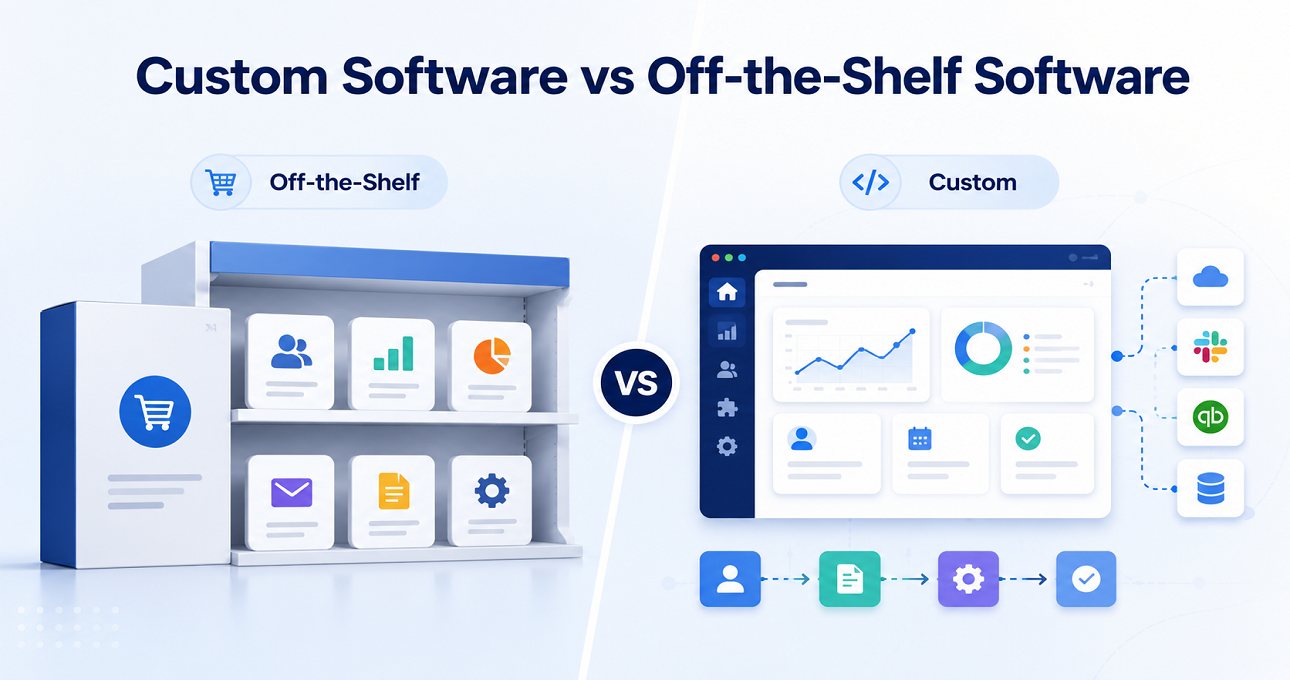
Off-the-Shelf vs Custom Software: Main Difference
The main difference between off the shelf vs custom software is ownership and flexibility.
Off-the-shelf software is built for general use. Custom software is built for your specific use.
Here is a simple comparison:
Factor | Off-the-Shelf Software | Custom Software |
Setup Time | Fast | Takes longer |
Initial Cost | Lower | Higher |
Flexibility | Limited | High |
Scalability | Depends on vendor | Built for growth |
Ownership | Vendor owns it | Business owns it |
Features | General features | Business-specific features |
Integration | Limited or fixed | Fully customizable |
Security | Standard security | Custom security options |
Long-term Control | Low | High |
Off-the-shelf software is like buying a ready-made suit. It may fit well enough, but not perfectly. Custom software is like getting a suit tailored for you. It takes more time and costs more, but it fits your exact size, style, and purpose.
Benefits of Off-the-Shelf Software
Off-the-shelf software is popular because it solves many common problems quickly. For many businesses, especially startups and small teams, it can be a smart first step.
Fast Implementation
One of the biggest benefits is speed. You do not need to wait months for design, development, testing, and deployment. You can sign up, configure your account, add users, and start working.
For businesses that need an urgent solution, this is a major advantage.
Lower Initial Cost
Off-the-shelf software usually costs less at the beginning. Most tools use monthly or yearly subscription pricing. This makes it easier for small businesses to start without a large upfront investment.
Instead of spending thousands on custom development, a company can pay a manageable subscription fee.
Vendor Support and Updates
The software vendor usually manages updates, bug fixes, hosting, security patches, and customer support. This reduces the technical burden on your internal team.
You do not need to hire developers just to maintain the system.
Limitations of Off-the-Shelf Software
Off-the-shelf software is useful, but it is not perfect. As your business grows, you may start feeling its limitations.
Limited Customization
Most ready-made tools offer only limited customization. You may be able to change settings, fields, templates, or workflows, but you cannot fully control the system.
This means your business may need to adjust its process to match the software instead of the software matching your process.
Recurring Subscription Costs
Off-the-shelf software may look cheaper at first, but the cost can grow over time. Many platforms charge per user, per feature, per module, or per usage limit.
As your team grows, monthly subscription costs can become expensive.
Features You Do Not Need
Many off-the-shelf tools include lots of features. Some may be useful, but many may not match your business. You may end up paying for features you never use.
At the same time, the exact feature you need may not be available.
Benefits of Custom Software
Custom software is often the better choice for businesses with unique operations, complex workflows, or long-term digital growth plans.
Built Around Your Workflow
The biggest benefit of custom software is that it follows your business process. You do not need to change your workflow to fit a ready-made tool.
The software can be designed based on your team structure, approval process, reporting needs, user roles, and customer journey.
Better Scalability
Custom software can grow with your business. You can start with basic features and add more modules later.
For example, a company may first build a CRM, then add invoicing, inventory, analytics, customer portal, mobile app, and automation features.
Competitive Advantage
When every company uses the same off-the-shelf tools, it becomes hard to stand out. Custom software gives you a unique system that your competitors cannot easily copy.
This can improve customer experience, internal speed, reporting accuracy, and business performance.
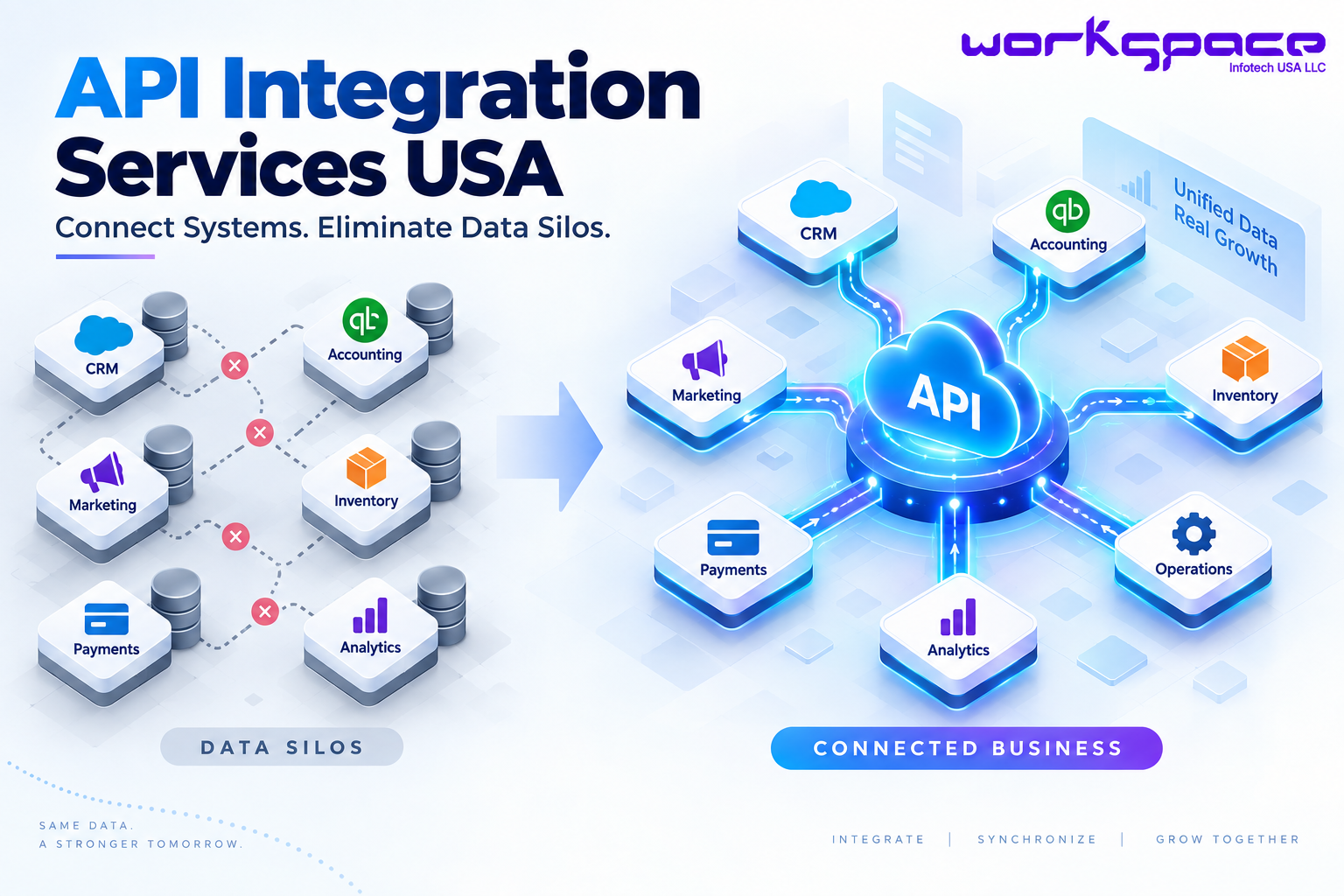
This is where professional API integration services become valuable, because they help connect different platforms and reduce duplicate manual work across your business.
Limitations of Custom Software
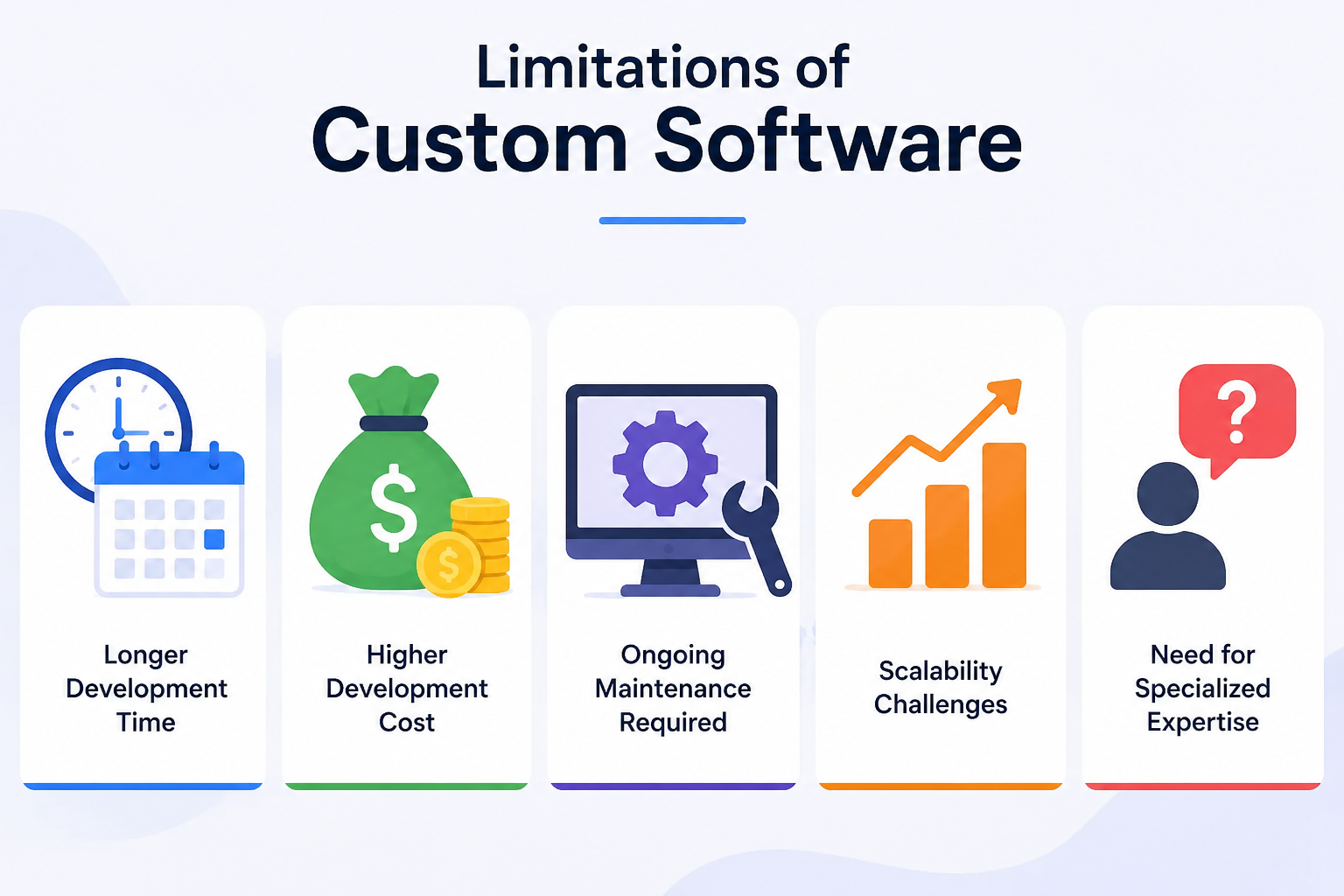
Custom software also has challenges. It is powerful, but it requires planning and the right development partner.
Higher Initial Investment
Custom software costs more at the beginning because it involves discovery, UI/UX design, development, testing, deployment, and maintenance.
However, the long-term value can be higher if the software saves time, reduces manual work, and supports growth.
Longer Development Time
Unlike off-the-shelf software, custom software cannot be used instantly. It needs time to plan, build, test, and launch.
The timeline depends on the project scope, features, integrations, and complexity.
Cost Comparison: Custom Software vs Off-the-Shelf
Cost is one of the biggest factors in the custom software vs off the shelf decision.
Off-the-shelf software usually has a lower upfront cost. You pay a subscription fee and start using it. But over time, costs may increase as you add users, features, storage, integrations, or premium support.
Custom software has a higher initial cost because it is built from scratch. You pay for planning, design, development, testing, deployment, and support. But in the long run, it may reduce operational costs by improving efficiency and removing unnecessary subscriptions.
The best way to compare cost is not only by price. You should also consider value.
Security Comparison
Off-the-shelf software usually comes with standard security features. This may include login protection, data encryption, backups, and role-based access.
However, you may not have full control over how the data is stored, managed, or accessed.
Custom software gives more control over security. You can add custom permissions, private hosting, audit logs, user roles, two-factor authentication, data access rules, and compliance-focused features.
For businesses in healthcare, finance, logistics, government, or enterprise operations, custom security can be a major advantage.
Scalability Comparison
Off-the-shelf software can work well in the beginning. But when your business grows, you may face restrictions.
For example, the software may not support your workflow, reporting needs, integrations, or user volume. You may also need to buy expensive upgrades.
Custom software can be planned for growth from the beginning. You can design it to support more users, more data, more modules, advanced automation, and future integrations.
This makes custom software a stronger option for long-term digital transformation.
Conclusion
Choosing between custom software vs off the shelf is an important business decision. Off-the-shelf software is ready-made, quick to launch, and affordable at the beginning. It is useful for common business needs and small teams.
To explore more digital solutions for your business, you can also visit our software development services page and find the right support based on your goals.
In the end, the right software should not only solve today’s problems. It should also support tomorrow’s growth.