- Safayet
- 0 Comments
- 976 Views
From Strategy to Success: Business Process Automation Tools, Services, and Case Studies
Introduction
Every business owner knows the feeling: another Friday afternoon wasted on copying data between spreadsheets, chasing approvals via email chains, or manually sending the same invoice reminders. These repetitive tasks don’t just eat time—they kill growth.
The solution is business process automation (BPA). But jumping in without a plan leads to expensive mistakes. This guide walks you from strategy to success, covering the benefits of business process automation, the latest business process automation trends, real business process automation examples, and how to choose the right business process automation tools and services. You’ll also see a real business process automation case study that proves the ROI.
Why Automate? The Core Benefits of Business Process Automation
Before diving into technology, let’s look at why companies invest in BPA. The benefits of business process automation go far beyond saving time:
– Cost reduction: Automating a single high-volume task can save thousands of labor hours annually.
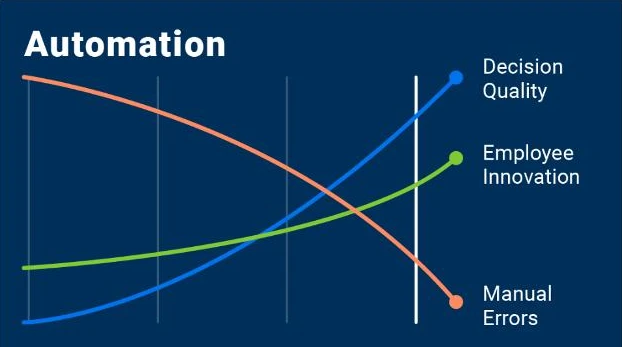
– Error elimination: Manual data entry has a 1–5% error rate; automation drops that near zero.
– Faster execution: What took two days now takes two minutes.
– Employee satisfaction: Your team stops doing “robot work” and focuses on creative, high-value tasks.
– Scalability: Automated processes handle 10 transactions or 10,000 with the same effort.
These benefits compound over time, which is why BPA is no longer optional—it’s a competitive necessity.

How to Define Business Processes to Automate for Operational Efficiency
Not every process should be automated. Knowing how to define business processes to automate for operational efficiency is the first strategic step.
Follow this four-step method:
Step 1: Inventory your workflows
List every recurring business process across departments—sales, finance, HR, customer support, operations.
Step 2: Score each process
Use two criteria:
– Frequency: Daily, weekly, monthly?
– Rule-based clarity: Can you write an “if this, then that” statement?
Step 3: Identify bottlenecks
Where do things slow down? Which steps require manual handoffs between people or systems?
Step 4: Prioritize for ROI
Automate high-frequency, rule-based, error-prone processes first. Save complex, judgment-heavy workflows for later.
Example: A logistics company realized that manually matching purchase orders to invoices took 15 hours weekly. That became their 1 automation candidate.

Business Process Automation Examples Across Industries
Sometimes the best way to understand BPA is through concrete business process automation examples. Here are five that work in almost any business:
Industry | Process | Automation Trigger | Automated Action |
Sales | Lead capture | New form submission | Create CRM contact, assign to rep, send intro email |
Finance | Expense approval | Receipt uploaded to folder | Route to manager, log to accounting, notify employee |
HR | Employee onboarding | Signed offer letter | Create accounts (email, Slack, HRIS), schedule training |
Support | Ticket routing | New support email | Categorize by keyword, assign to right agent, set SLA timer |
Marketing | Webinar follow-up | Attendee registers | Add to email sequence, update CRM, schedule reminder |
These business process automation examples show that BPA isn’t about robots replacing people—it’s about connecting your existing software to work together.
The Tech Stack: Business Process Automation Softwares and Tools
Choosing the right business process automation software can feel overwhelming. Start by understanding the three categories:
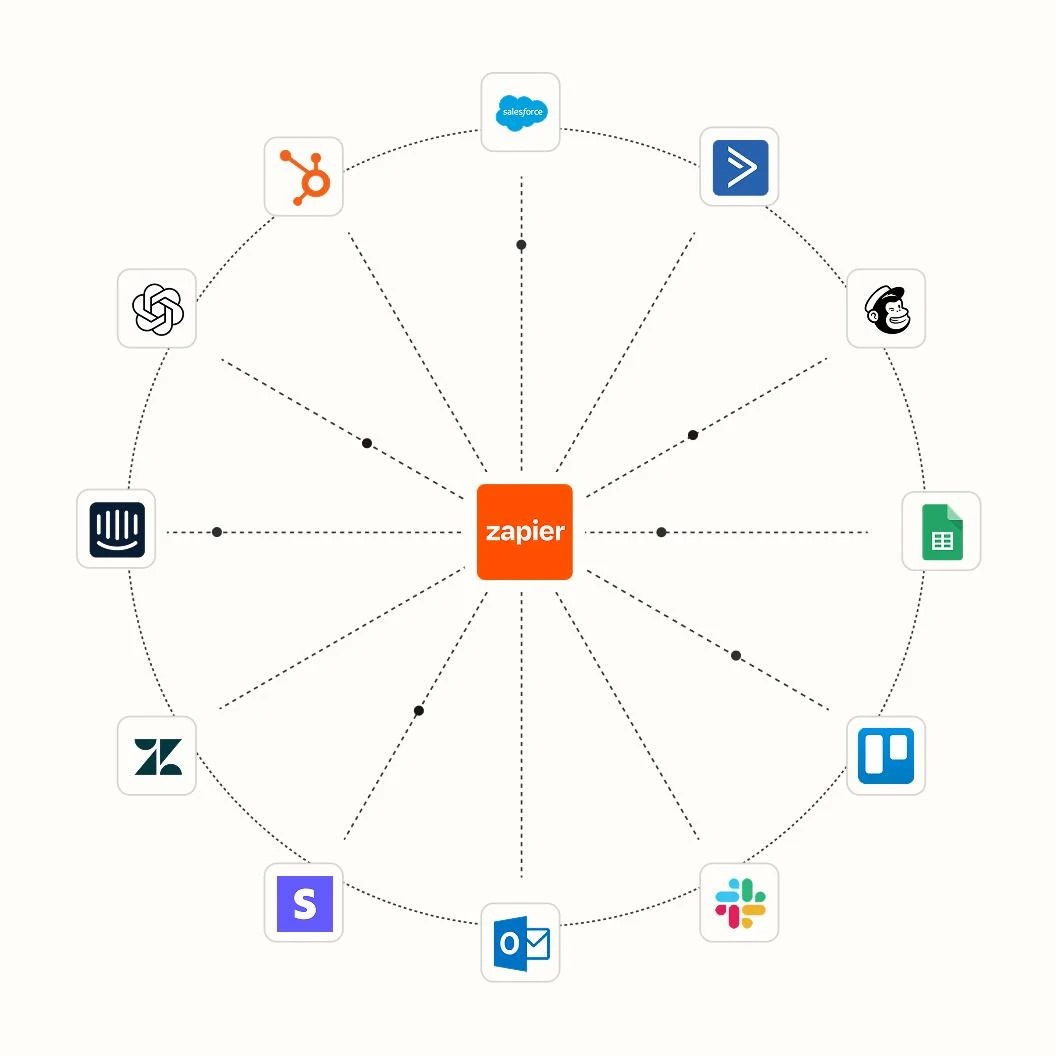
- No-code connectors (best for most businesses)
Tools like Zapier, Make, and n8n let you connect apps without writing code. Example: “When I get a Gmail attachment, save it to Google Drive and notify Slack.”
- Dedicated BPM platforms
Process Street, Kissflow, and Nintex are designed for complex, multi-step workflows with approvals and conditional logic.
- Built-in automations
Many SaaS tools (HubSpot, Salesforce, Monday.com, Asana) include native automation features. Start here before adding external tools.
When evaluating business process automation tools, look for:
– Pre-built integrations with your existing stack
– Visual workflow builders
– Error handling and logging
– Scalable pricing (per operation, not per user)
Pro tip: Most business process automation softwares offer free trials. Test one workflow before committing.
When You Need Help: Business Process Automation Services, Consulting, and Companies
Not every team has the time or expertise to build automations in-house. That’s where business process automation services and business process automation consulting come in.
Types of external help:
– Business process automation services: Managed providers who build, host, and monitor your automations. Best for companies that want a hands-off solution.
– Business process automation consulting: Strategic advice on which processes to automate, tool selection, and change management.
– Business process automation consultant: An individual expert hired for a specific project (e.g., migrating from manual to automated invoicing).
– Business process automation companies / business process automation company: Full-service vendors that offer both strategy and implementation. Look for industry-specific experience.
How to choose a business process automation company:
- Ask for case studies in your industry.
- Check post-deployment support (training, debugging).
- Ensure they follow security standards (SOC 2, GDPR).
Many business process automation companies offer a free discovery call—use it to vet their expertise.
Deep Dive: Business Process Automation in Healthcare
Healthcare has unique challenges: strict compliance (HIPAA), legacy systems, and patient safety risks. Yet business process automation in healthcare is growing rapidly.
Real business process automation in healthcare examples:
– Appointment reminders: Automatically send SMS/email confirmations 48 hours before visits (reduces no-shows by 30%).
– Prior authorization: Auto-populate forms from electronic health records (EHRs) and submit them to insurers.
– Medical billing: Match claims to payments, flag denials, and resubmit automatically.
– Discharge follow-up: Trigger patient satisfaction surveys and medication reminders.
When implementing business process automation in healthcare, choose business process automation software with audit trails, role-based access, and encryption at rest.
Business Process Automation Trends to Watch
Staying ahead means knowing the business process automation trends shaping the next three years:
- AI + BPA (intelligent automation): Instead of “if this, then that,” AI can “read this email, understand intent, and decide next action.”
- Hyperautomation: Combining robotic process automation (RPA), AI, and process mining to automate entire workflows end-to-end.
- Low-code adoption: Business analysts (not just engineers) now build automations using drag-and-drop tools.
- Embedded automation: SaaS products increasingly include native automation as a standard feature, not an add-on.
These business process automation trends mean the barrier to entry is lower than ever. Small businesses can now automate processes that required enterprise budgets five years ago.
Real-World Proof: A Business Process Automation Case Study
Theory is good. Proof is better. Here is a business process automation case study from a mid-sized e-commerce company (anonymized).
The company: 50-employee online retailer, $15M annual revenue.
The challenge: Their order-to-cash process was manual. Sales reps emailed PDF orders to operations. Operations typed data into the ERP. Accounting then manually created invoices. Result: 3-day delays, 8% billing errors, and customer complaints.
The solution: They hired a business process automation consultant to map the process, then implemented business process automation tools (Zapier + QuickBooks + their ERP).
The automated workflow:
– Trigger: Customer places order via website.
– Action 1: Order data written to Google Sheets.
– Action 2: ERP inventory checked (if stock < order, flag for human review).
– Action 3: Invoice generated in QuickBooks and emailed to customer.
– Action 4: Slack notification sent to shipping team.
The results (after 60 days):
– Order processing time: from 3 days to 4 hours.
– Billing errors: reduced by 95%.
– Labor hours saved: 25 hours per week (reallocated to customer retention).
– ROI: automation paid for itself in 4 months.
This business process automation case study shows what’s possible: not just efficiency, but happier customers and employees.
Your Action Plan: From Strategy to Success
Ready to start? Follow this five-step plan:
- Define your first process using the method above (how to define business processes to automate for operational efficiency).
- Choose from the business process automation tools listed in Section V. Start with a no-code connector.
- Consider a business process automation consultant or business process automation services if you lack internal bandwidth.
- Test the automation with a small batch of real data. Monitor for errors.
- Scale to other departments—sales, HR, finance, and even business process automation in healthcare if you’re in that sector.
Conclusion
Business process automation isn’t about replacing people. It’s about letting your team do the work only humans can do—while robots handle the repetitive stuff. From the benefits of business process automation to the latest trends, from examples to a real case study, the evidence is clear: BPA delivers measurable ROI.
The only mistake is waiting. Pick one manual task today, apply the framework for how to define business processes to automate for operational efficiency, and build your first workflow this week. Your future self (and your team) will thank you.
Ready to take the next step? Many business process automation companies and business process automation consultants offer free initial consultations. Reach out, share your biggest bottleneck, and see what automation can do for you.