- Sanzida Afrin
- 0 Comments
- 316 Views
AI agents for business are quickly moving from an experimental technology to a practical way of handling everyday work.
Unlike a basic chatbot that waits for a question and gives an answer, an AI agent can work toward a specific goal. It can collect information, interact with connected systems, make decisions within defined rules, complete tasks, and involve a human when approval is needed.
IBM describes agentic AI as systems designed to accomplish goals with limited supervision, often using multiple AI agents to handle different parts of a task.
For US businesses, this opens a new question for 2026:
Which repetitive workflows should people still manage manually, and which ones could an AI agent handle more efficiently?
That is where AI workflow automation becomes interesting.
What Are AI Agents for Business?
An AI agent is software that combines artificial intelligence with instructions, business data, integrations, and automated actions.
Think about the difference this way.
A traditional chatbot might answer:
“Here is the status of your order.”
An AI agent could potentially:
- Check the customer account.
- Find the order.
- Review shipping information.
- Detect a delivery problem.
- Create a support ticket.
- Suggest the next action.
- Send the case to a human when approval is required.
The important difference is action.
AI agents are designed not only to generate information but also to coordinate tasks across workflows and software systems.
Microsoft notes that agentic workflows can be especially useful where businesses have clear rules, repeatable coordination tasks, and measurable outcomes.
Why AI Agents Matter for US Businesses in 2026
Businesses have already spent several years experimenting with generative AI. The next stage is connecting AI to actual operations.
Deloitte’s 2026 State of AI in the Enterprise report found that worker access to AI increased significantly during 2025, while organizations are increasingly focused on moving AI projects from pilots into production.
Agentic AI is also expected to expand. Deloitte reports that 74% of surveyed organizations expect to use AI agents at least moderately by 2027.
However, adopting AI agents does not mean automating everything.
The strongest use cases usually begin with processes that are:
- repetitive;
- time-consuming;
- rules-based;
- connected to structured business data;
- easy to measure;
- suitable for human review when necessary.
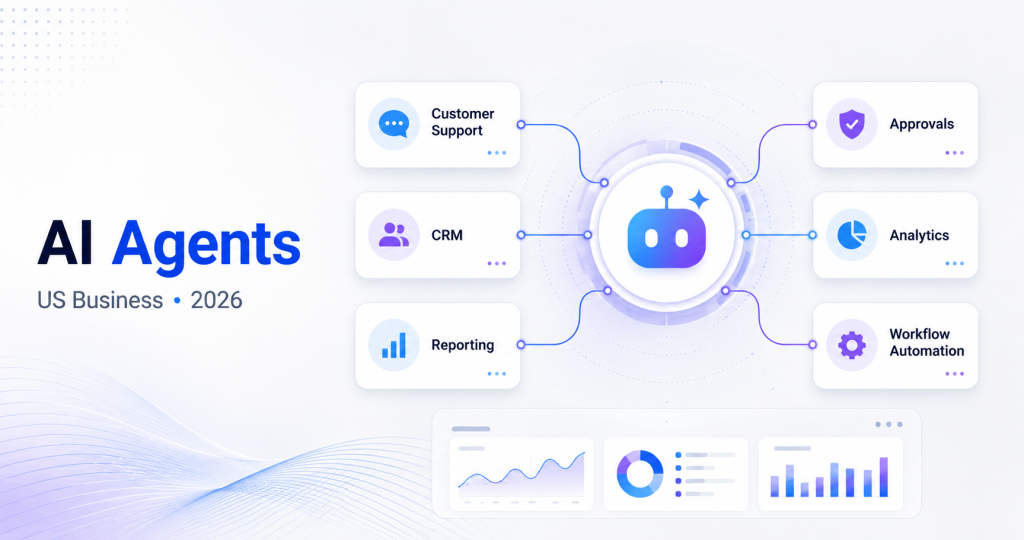
7 Workflows AI Agents Can Help Automate
- Customer Support
Customer service teams often spend large amounts of time answering similar questions.
An AI agent can help identify the customer’s request, retrieve account information, search a knowledge base, prepare a response, update a ticket, or route complex cases to the appropriate employee.
Instead of replacing support teams, the goal should be reducing repetitive administrative work.
- Sales Lead Management
Sales teams often have leads spread across forms, CRM systems, email, spreadsheets, and other platforms.
AI agents can help organize this process by:
- reviewing incoming leads;
- categorizing prospects;
- updating CRM records;
- preparing follow-up messages;
- creating reminders;
- identifying missing information.
The sales representative can then focus more attention on conversations and qualified opportunities.
- Internal Reporting
Preparing weekly reports can involve gathering information from several systems and manually combining it.
An AI agent can collect approved data from connected platforms, summarize changes, identify unusual activity, and prepare a draft report.
Employees still review the report, but they spend less time collecting information.
- Finance and Administrative Tasks
Businesses handle many repetitive finance-related processes such as invoices, payment reminders, document organization, expense reviews, and approval requests.
An AI-powered workflow can help extract information, categorize documents, identify missing fields, and route transactions for review.
For sensitive financial decisions, human approval should remain part of the process.
- HR and Employee Support
HR teams regularly answer questions about company policies, leave procedures, documents, onboarding, and internal processes.
An internal AI agent connected to approved company information can help employees find answers and complete routine requests.
For example, an onboarding agent could provide documentation, create task reminders, collect required information, and notify HR when something is incomplete.
- Software Development and IT Operations
AI agents are also beginning to support software teams.
Depending on the environment, they can assist with tasks such as analyzing issues, generating documentation, reviewing code, preparing test cases, monitoring systems, or organizing development workflows.
Microsoft has highlighted the growing role of agentic AI in development and application modernization workflows.
Human review remains important, particularly for production systems, security, and critical software decisions.
- Cross-Platform Workflow Automation
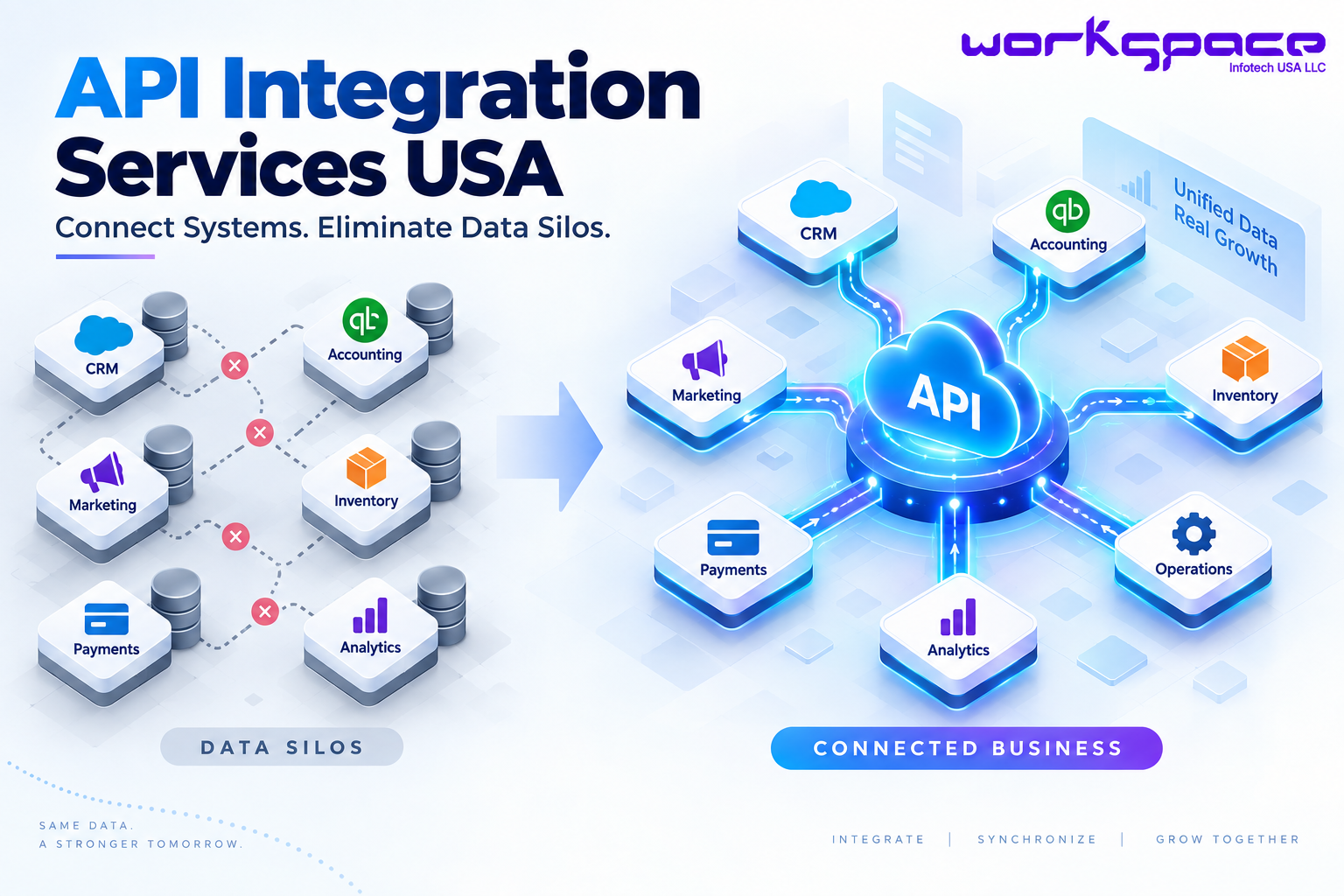
One of the most useful applications of AI agents may be connecting different business tools.
Imagine a company using:
CRM → Email → ERP → Customer Portal → Reporting Dashboard
Without integration, employees may repeatedly copy information between these platforms.
An AI-enabled workflow can help coordinate approved actions across connected systems using APIs and business rules.
AI Agents vs Traditional Automation
| Traditional Automation | AI Agents |
|---|---|
| Works with predefined rules | Can interpret more complex information |
| Best for predictable tasks | Useful for multi-step workflows |
| Usually follows fixed sequences | Can choose actions within defined limits |
| Limited contextual understanding | Can use context and business data |
| Exceptions often stop the workflow | Can escalate exceptions for human review |
Traditional automation is still valuable. In many cases, the best solution is to combine traditional automation with AI rather than replace existing systems completely.
How to Implement AI Agents Safely
Giving software more ability to act also creates new responsibilities.
In 2026, NIST launched an AI Agent Standards Initiative focused on secure, interoperable, and trustworthy AI agent systems. NIST has also highlighted security concerns around AI agents, including authentication and other risks that overlap with traditional software security.
Businesses should therefore avoid giving an AI agent unrestricted access from day one.
A practical implementation should include:
Start With One Clear Workflow
Do not begin with “automate the entire company.”
Choose one workflow with a clear problem and measurable outcome.
Define Agent Permissions
Determine exactly which systems and information the agent can access.
Keep Humans in Important Decisions
Financial approvals, sensitive customer actions, security changes, and other high-impact decisions should have appropriate review controls.
Maintain Logs
Businesses should know what an agent did, what information it used, and when actions occurred.
Measure Business Results
Track outcomes such as processing time, response time, manual workload, error rates, or completion rates.
The goal is not simply to “use AI.”
The goal is to improve a business process.
AI Implementation: From Idea to Working Workflow
A successful AI agent project usually requires more than connecting a language model to company data.
The implementation may involve:
Business Process Analysis → Data Access → AI Model → Business Rules → API Integrations → Human Approval → Monitoring
For example, a sales automation agent could connect a website form with a CRM, analyze the request, prepare a lead summary, update the CRM, assign the opportunity, and notify the sales team.
The AI is only one component.
The real value comes from designing the entire workflow correctly.
How Workspace Infotech USA Can Help
Building reliable AI automation often requires custom development, API integration, cloud infrastructure, security controls, and ongoing optimization.
Workspace Infotech USA LLC provides services including IT consultation, software design and development, AI and machine learning, data security, and cloud services for businesses looking to build or modernize digital solutions.
Depending on the business requirement, a solution can include:
- custom AI agents;
- workflow automation;
- AI-powered software;
- CRM or ERP integrations;
- SaaS applications;
- internal business portals;
- custom dashboards;
- API integrations;
- cloud-based applications.
Instead of adding AI simply because it is trending, the better approach is identifying where AI can solve a real operational problem.
Final Thoughts
AI agents could become an important part of business automation, but successful adoption will depend on choosing the right workflows.
Start small.
Look for repetitive processes where employees spend time gathering information, updating systems, coordinating tasks, or preparing routine decisions.
Then build an AI workflow with clear permissions, measurable goals, reliable integrations, and human oversight.
For many US companies in 2026, the biggest opportunity may not be creating another AI chatbot.
It may be building AI agents that quietly help everyday business operations work better.
Frequently Asked Questions
What are AI agents for business?
AI agents are software systems that use artificial intelligence to work toward defined business goals, interact with information or connected systems, and perform approved tasks with varying levels of human supervision.
Can AI agents automate an entire business?
Technically, many individual processes can be automated, but automating an entire organization is rarely a sensible starting point. Businesses should begin with clearly defined workflows.
What business processes can AI agents automate?
Common opportunities include customer support, lead management, reporting, administrative work, internal employee support, software workflows, and cross-platform coordination.
Are AI agents the same as chatbots?
No. A chatbot primarily communicates with users. An AI agent can potentially perform multi-step actions, interact with other systems, and work toward a defined outcome.
Are AI agents secure?
They can be designed securely, but security depends on architecture, permissions, authentication, data access, monitoring, and human controls. NIST’s 2026 work on AI agent standards reflects the growing importance of these issues.
How should a company start using AI agents?
Start by identifying one repetitive, measurable workflow. Define the required data and system integrations, establish permissions and human approval points, build a limited implementation, and measure the results before expanding.