- Safayet
- 0 Comments
- 287 Views
 WORKSPACE INSIGHTS
BUSINESS SYSTEMS
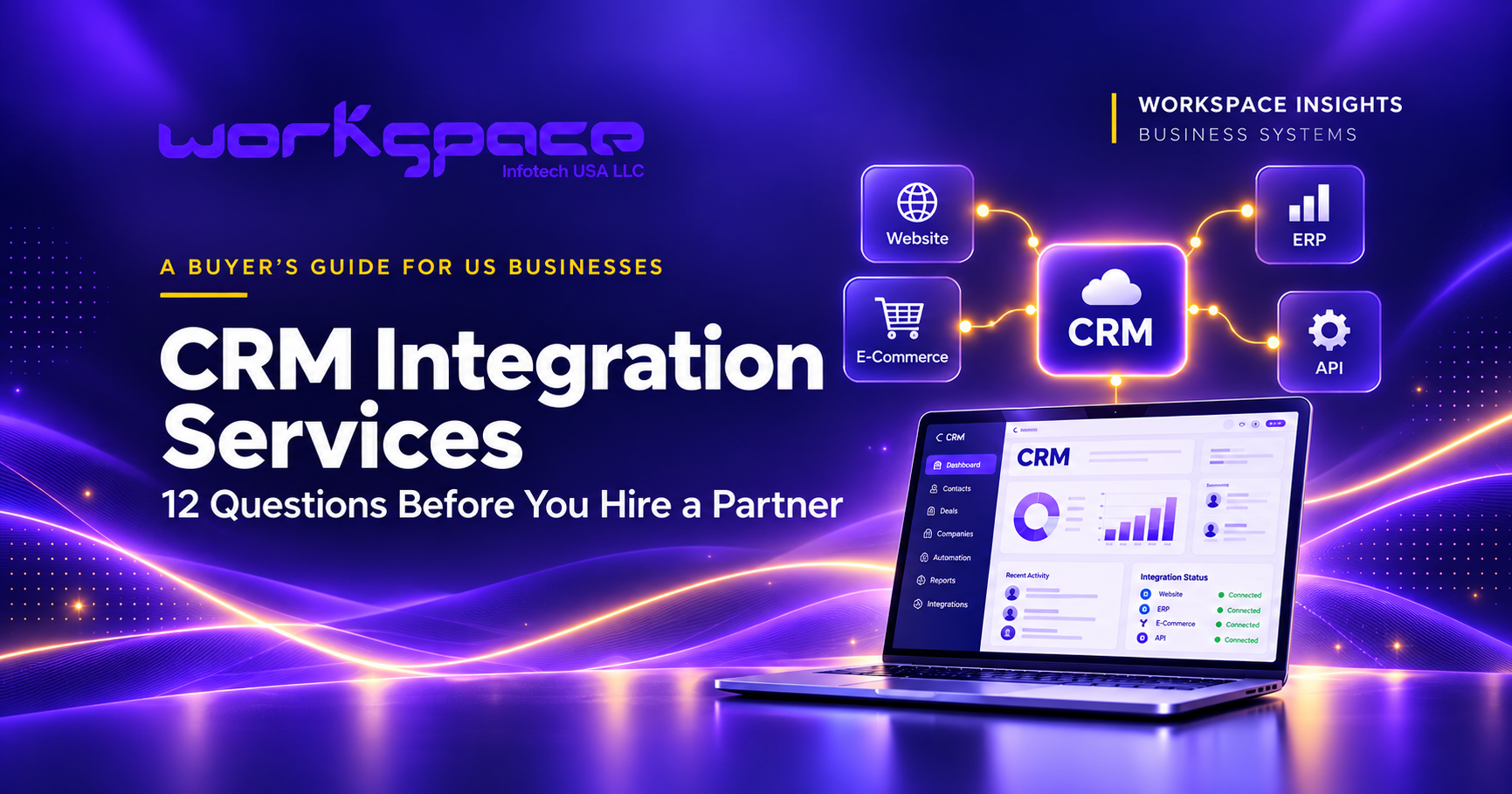
CRM Integration Services: 12 Questions Before You Hire a Partner
Compare integration partners, define the scope and ask the right questions before you commit.
Your sales team should not need three browser tabs and a message to finance to answer one customer question.
Yet that is how a disconnected customer journey can feel. The CRM has the contact. The store has the order. Accounting has the invoice. Someone still has to piece the story together.
Connecting those systems sounds straightforward until two applications disagree about an address, a failed update goes unnoticed, or the same customer appears twice.
If you are comparing CRM integration services for your business, start with the handoff your team needs to fix. The right partner should explain how your data will move, how failures will be handled and who will support the connection after launch.
This buyer’s checklist gives US business owners, operations leaders and IT teams 12 questions to ask before hiring a CRM integration partner. Use it to compare proposals and define a manageable first project.
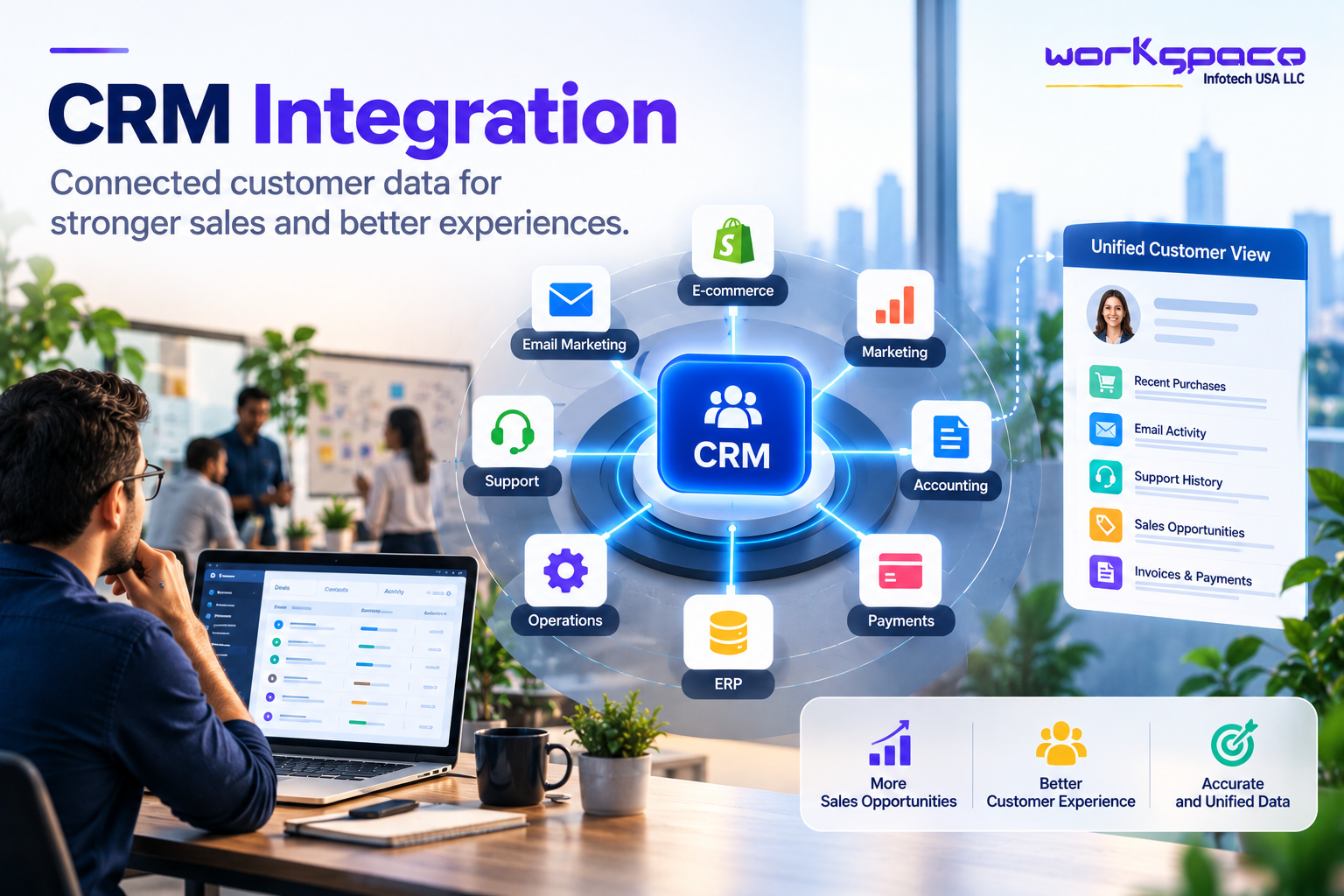
If you are still exploring the business case, start with our guide to CRM integration and connected customer data. This article focuses on planning the work.
What should CRM integration services include?
CRM integration services connect customer relationship management software with the applications a business already uses. A useful engagement covers workflow discovery, data mapping, implementation, testing and support—not just the initial connection.
Your scope might involve one of these common needs:
- Website-to-CRM integration: capture inquiries and route them to the right salesperson.
- CRM and ERP integration: give account teams access to approved order and invoice information.
- E-commerce CRM integration: connect customer and purchase history without creating unnecessary duplicate records.
- Custom CRM API integration: connect an internal application or implement business rules that a standard connector cannot handle.
Ask what is included in the proposal and what remains your team’s responsibility. Discovery, data cleanup and ongoing support should be explicit line items, not assumptions.
The CRM integration checklist at a glance
Bring this list to your first planning meeting. An unanswered question is a task to assign, not a reason to buy more software.
| Decision | What you should document | Suggested owner |
|---|---|---|
| Scope and outcome | One workflow, its boundaries and a baseline | Business lead |
| Data ownership | Fields, authoritative systems and matching rules | CRM and operations leads |
| Delivery and recovery | Sync timing, limits, retries and reconciliation | Technical lead |
| Access and exceptions | Permissions, review queues and escalation | System owners |
| Launch and support | Acceptance tests, release plan and maintenance owner | Project lead |
12 questions to ask a CRM integration partner
A connector can move a value. Your team still needs to decide whether that value should move, where it belongs and what happens next.
01
Which customer handoff are we fixing?
“Connect the CRM and ERP” describes the systems, but it leaves the actual job unclear. A useful scope is more specific: let account managers see order status without asking operations, or turn a qualified website inquiry into an assigned sales task.
Write down the trigger, the destination and the person who benefits. Also record what is outside the first release. That boundary helps keep a small integration from becoming a replacement project.
02
Which fields genuinely need to move?
List the required fields rather than requesting a complete copy of every record. An order-status view may need an order ID, status and last-updated time; it may not need payment details or internal finance notes.
Create a field map showing source, destination, format and validation. Check currency codes, time zones, address formats and empty values. Decide whether a blank value means “unknown,” “unchanged” or “remove the existing value.”
03
Which system owns each field?
Ownership belongs at field level. The CRM might own the account manager and sales stage, while accounting owns invoice status. A support platform can remain responsible for ticket status.
Define where corrections happen and which direction updates travel. If both applications can change the same field, agree on a conflict rule. Simply accepting whichever update arrives last can replace a valid value with an older one.
04
How will we recognize the same customer?
A contact ID in one application is rarely the ID in another. Keep a reliable mapping between systems. Email addresses can help with matching, but people change them and some addresses are shared.
Define how new records are created, how existing ones are matched and when uncertain matches go to a person. Salesforce’s duplicate-management guidance explains the role of matching and duplicate rules. Review existing duplicates before automating record creation.
05
How fresh does the information need to be?
A sales alert and a monthly management report do not need the same delivery speed. Specify an acceptable delay for each workflow and how users will recognize stale information.
Webhooks can notify another application when an event occurs; scheduled synchronization can suit less time-sensitive work. HubSpot documents event-driven webhook subscriptions for this purpose. Either approach still needs monitoring and a way to reconcile missed changes.
06
Do our software plans support the workflow?
Check the exact account editions, API access, supported objects, custom fields, event availability and usage limits. A connector name in a marketplace does not establish that every field or operation you need is supported.
Test the proposed workflow using representative records. Include peak activity and historical imports in capacity planning. Ask what happens when the available API allowance is exhausted and whether another subscription is required.
07
What happens when an update fails?
Separate temporary failures from records that need correction. A brief service outage may justify a delayed retry; a missing required field needs a different response. Set retry limits and route unresolved failures to a visible queue.
Microsoft’s retry-pattern guidance explains why retry behavior should reflect the failure. Your support team also needs an alert, a useful error message and a safe recovery procedure.
08
Can the same event be processed twice safely?
After a timeout, the sending system may not know whether an update succeeded. Repeating it should not create another customer or another follow-up task.
This is the purpose of idempotent processing: repeated delivery should have the same intended effect as one successful delivery. Microsoft’s idempotent-consumer pattern covers this design. Ask your implementation team to demonstrate duplicate handling, including events that arrive out of order.
09
Who can read or change the connected data?
Give the integration only the access its workflow requires. Define which records and fields it can read or update, where credentials are stored and who rotates them. Keep sensitive data out of unnecessary logs.
OWASP highlights authorization failures at the property level: access to a record should not automatically permit access to every field. Include unsubscribe changes, retention decisions and deletion handling in the workflow review where relevant.
10
Which situations still need a person?
An uncertain customer match, conflicting account ownership or an unexpected address change may need review. Give each exception a named team, enough context to decide and a way to record the outcome.
Ask what happens while that review is pending. Should the update pause, should part of it proceed, or should the previous value remain visible? Avoid creating an exception queue that nobody checks.
11
What evidence will show that it works?
Capture a baseline before the pilot: manual handling time, lead-assignment delay, duplicate rate or the age of unresolved errors. Choose measures that reflect the workflow you actually changed.
Test missing fields, duplicate submissions, expired credentials, delayed events and destination outages. Compare source records with destination records; a dashboard showing successful requests does not prove that every expected update arrived.
12
Who owns the integration after launch?
Document the support owner, escalation route and maintenance responsibilities. Include subscription fees, usage charges, monitoring, change requests and staff time when discussing total cost.
Agree on a release and recovery plan. Pausing new updates is different from undoing updates already written. Keep the mapping, test cases and operating notes somewhere the next person can find them.
Which CRM integration approach fits your project?
Choose the simplest approach that meets the documented requirements. An integration platform as a service, or iPaaS, provides tools for connecting applications and managing workflows. It is one option alongside native connectors and custom development.
| Approach | Consider it when | Check before committing |
|---|---|---|
| Native connector | The supported workflow closely matches your needs. | Fields, sync direction, error visibility and plan requirements. |
| iPaaS | Several applications need orchestration and the platform supports your logic. | Usage pricing, connector limits, support and recovery controls. |
| Custom API integration | Business rules or legacy systems exceed available connector capabilities. | Build effort, API constraints, monitoring and long-term ownership. |
A mixed approach can also make sense. Keep a standard connector where it works and add custom logic only where necessary. Our guide to API integration and connected systems explains the wider business context.
Follow one inquiry into the sales workflow.
Illustrative scenario—not a client case study or a promised result.
Imagine a US-based B2B services company receiving quote requests through its website. A coordinator copies each request into the CRM and assigns a salesperson. Existing customers sometimes receive a second contact record.
The first integration could cover this single handoff:
- 01
Capture
Save the inquiry with a stable submission ID and the fields sales needs.
- 02
Validate and match
Check required fields and look for an existing customer using agreed rules.
- 03
Update and assign
Create or update the appropriate record, then assign the inquiry to its owner.
- 04
Confirm and reconcile
Record the destination ID and check that expected inquiries reached the CRM.
For the pilot, compare assignment delay and manual handling time with the original process. Review a sample of successful records as well as failures. Expand only after the team can explain how the workflow behaves when something goes wrong.
How to choose a CRM integration partner
Give each provider the same workflow, field list and constraints. That makes differences in scope and price easier to understand. Then ask for four concrete things:
- A workflow walkthrough. Can they explain your actual handoff, including exceptions?
- Relevant evidence. Ask for a permitted example, reference or demonstration involving comparable systems and rules.
- A test and recovery plan. Look for duplicate handling, reconciliation and support responsibilities.
- A clear commercial scope. Separate implementation, software subscriptions, maintenance and future changes.
For US businesses working with a distributed delivery team, also agree on meeting hours, escalation coverage and access responsibilities. A lower quote is only comparable if it covers the same work.
Ask for a usable handover.
The deliverable should include enough information to operate the integration after the original builder leaves the call.
- Approved scope, field map and data-ownership rules.
- Record-matching, conflict and duplicate-handling rules.
- Test results for ordinary records and realistic failures.
- Monitoring, reconciliation and a documented recovery procedure.
- Access responsibilities, credential rotation and support contacts.
- Pilot results, acceptance criteria and a maintenance plan.
If one of these is missing, assign it before expanding the rollout. A small connection that the team understands is easier to operate than a broad one with unclear rules.
Questions buyers ask about CRM integration services
What is the difference between CRM integration and data migration?
Migration moves data into a destination, often as part of a system change. Integration maintains an ongoing exchange between systems. A project can require both an initial migration and continuing synchronization.
Should every CRM integration be two-way?
No. Use one-way synchronization where a system clearly owns a field. Two-way updates need conflict rules and safeguards against updates repeatedly triggering each other.
Can we integrate a CRM without replacing our existing software?
Often, provided the existing applications offer suitable APIs, connectors or supported import and export methods. Review those capabilities before deciding whether replacement is necessary.
How much do CRM integration services cost?
Cost depends on the systems, software plans, data condition, business rules, volume and support requirements. Request separate estimates for discovery, implementation, subscriptions and ongoing maintenance. A field map and clear scope make quotations easier to compare.
What should we integrate first?
Choose a frequent handoff with a clear owner, manageable data and a measurable problem. Website-to-CRM lead capture or order-status visibility can be candidates; the right choice depends on where your team loses time.
Sources and further reading
The technical references below support specific concepts in this guide. The checklist and worked example are our planning recommendations.